
Wireless Pods
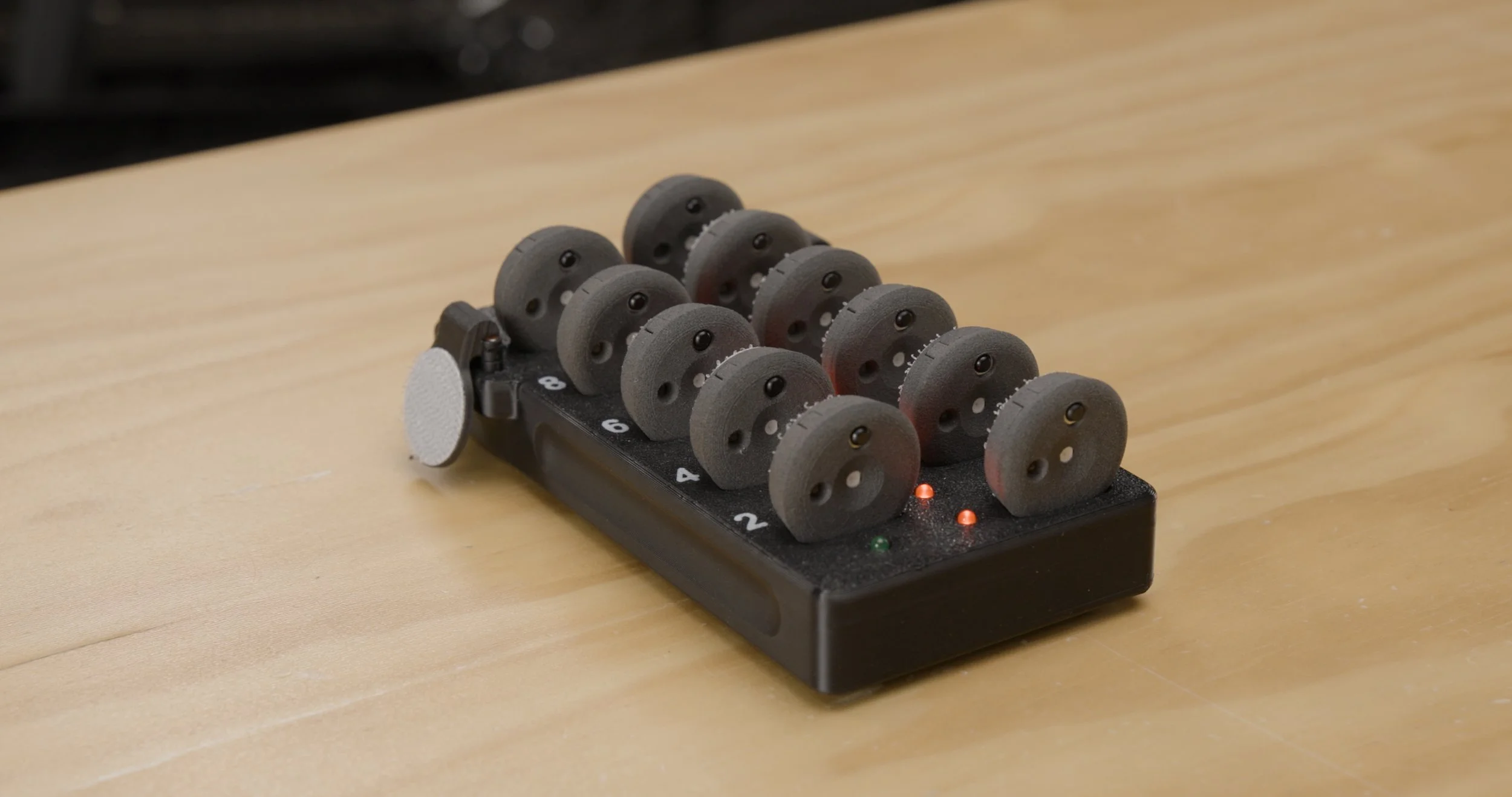
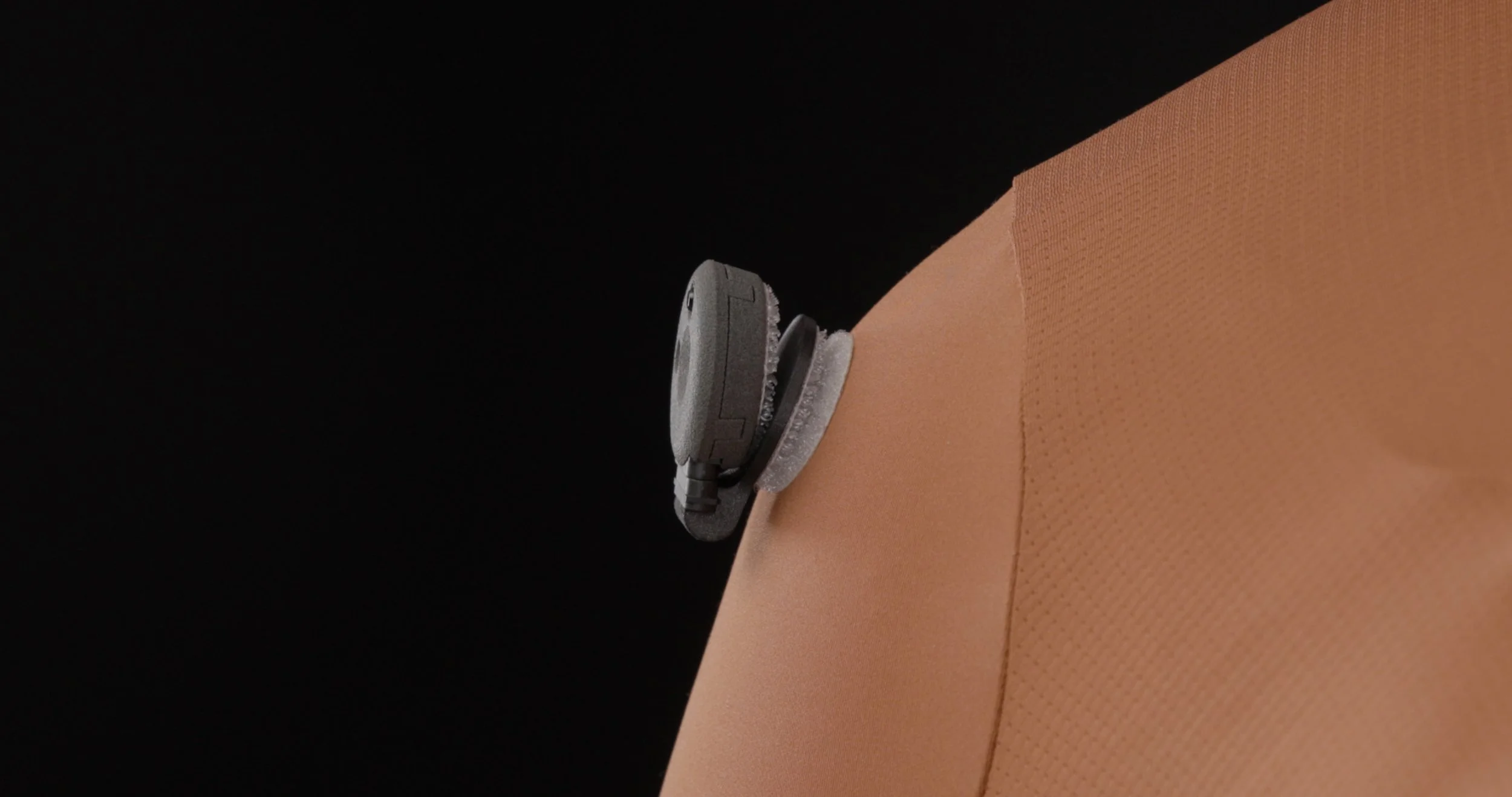
A new and improved body marker sensor for you and the rider.
No Channels. Zero wires.
Fast. Efficient.
Wireless Pods
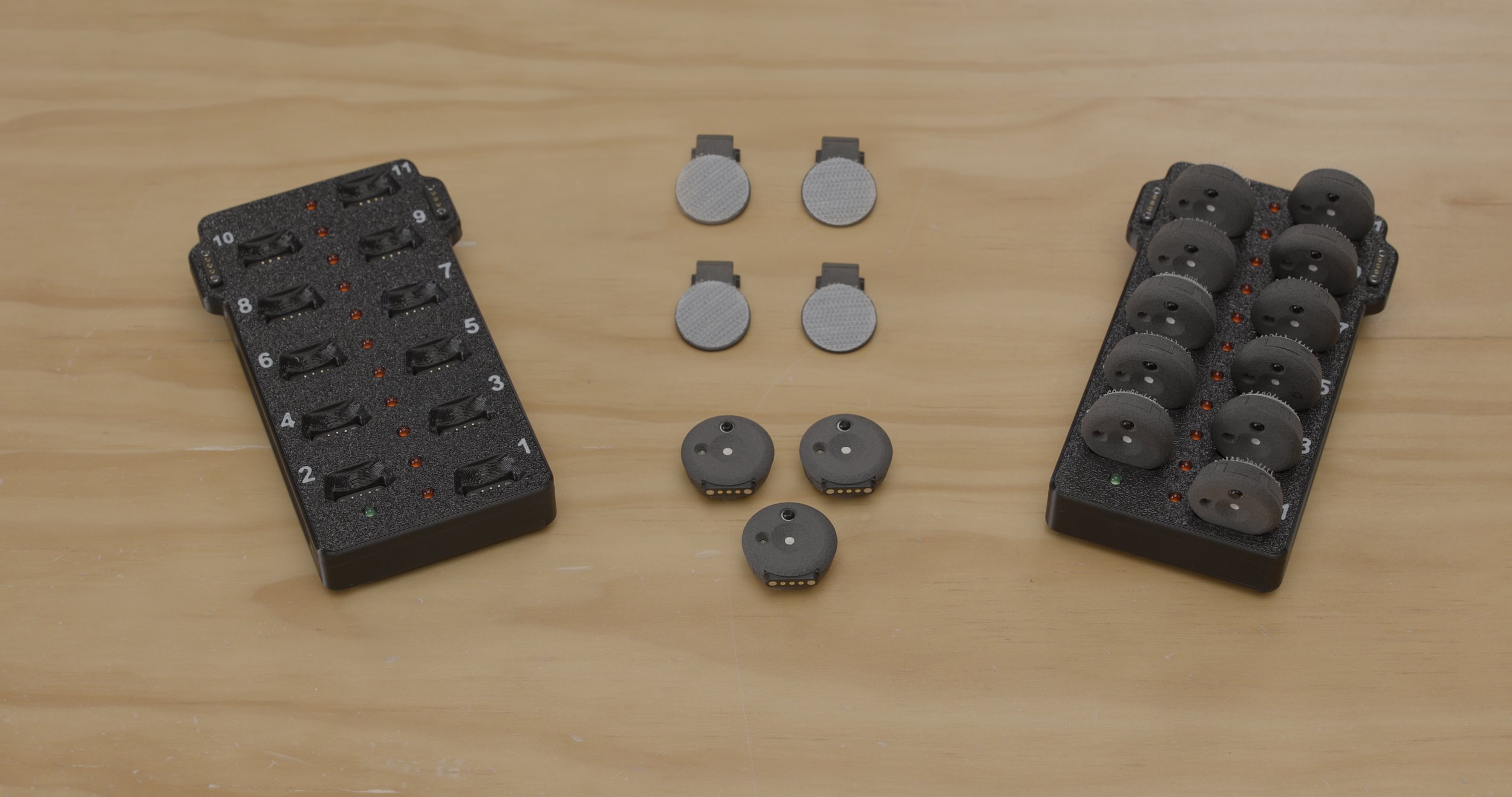
11 pods, 1 charging tray (mag or USB C), 2 angle adaptors
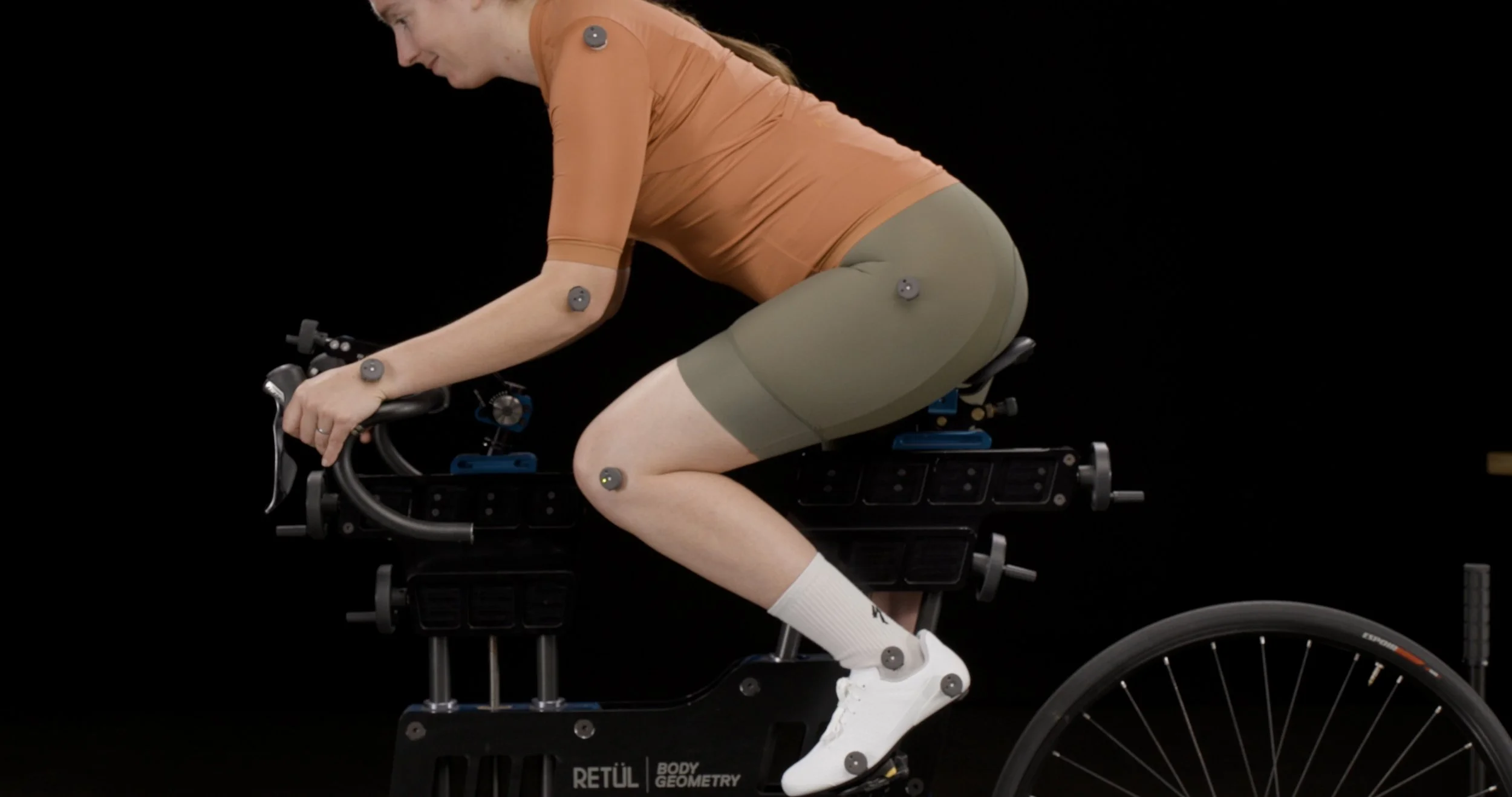
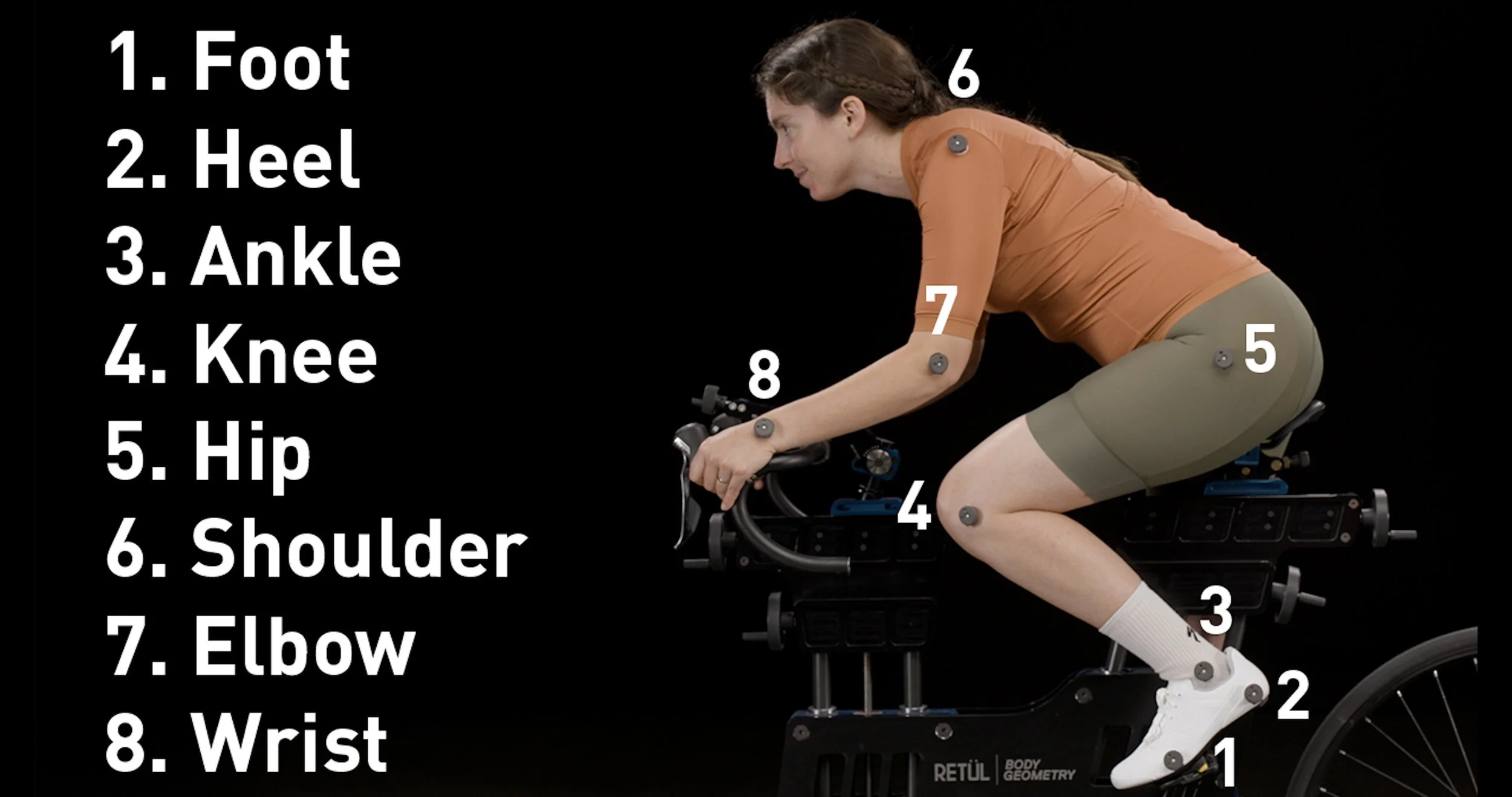
8 pods are currently used on the rider. This provides 3 extras.
Included are 2 angle adaptors - designed to work with the shoulder and wrist marker.
$900 USD per unit
Note: To use the Pods on both the right and left side of the rider, 2 units are needed.
Note: Your Vantage must be compatible to use the Pods.
For Retül Fit V8 Users only.
To learn more about the V8 Software and how to purchase —> Fit App - V8 Software
How to Order
The wireless pods will be available to order on a country by country basis, due to inventory availability and shipping regulations.
Contact your Specialized / Retül representative once your country is on this list.
USA - Available
Canada - Available
Europe - Coming Soon
*This list will be updated as the Wireless Pods are available to order in additional countries.
Product Info & Replacement Parts
BODY GEOMETRY WIRELESS PODS AND TRAY 11 SET
SKU 09125-1010
$900 USD
Includes: 11 pods, 1 charging tray, 2 angle adaptors
BODY GEOMETRY WIRELESS POD REPLACEMENT
SKU 09125-1007
$60 USD
Includes: 1 replacement pod
BODY GEOMETRY WIRELESS POD TRAY 11 REPLACEMENT
SKU 09125-1008
$300 USD
Includes: 1 replacement charging tray
BODY GEOMETRY WIRELESS POD ADAPTERS, LOW ANGLE
SKU 09125-1009
$25 USD
Includes: 2 angle adaptors
QUESTIONS & TROUBLESHOOTING
CURRENT KNOWN ISSUES
We are redesigning the pods after discovering two issues with them.
1) Increased durability - the pod has been breaking open upon falling to the floor
2) Enhanced battery connection - the battery in some pods is losing connection internally, causing the pod to lose its signal with the Vantage and/or not charge adequately
If you are experiencing these issues with your pods, we will replace them. Fill out this Warranty Form to start that process.
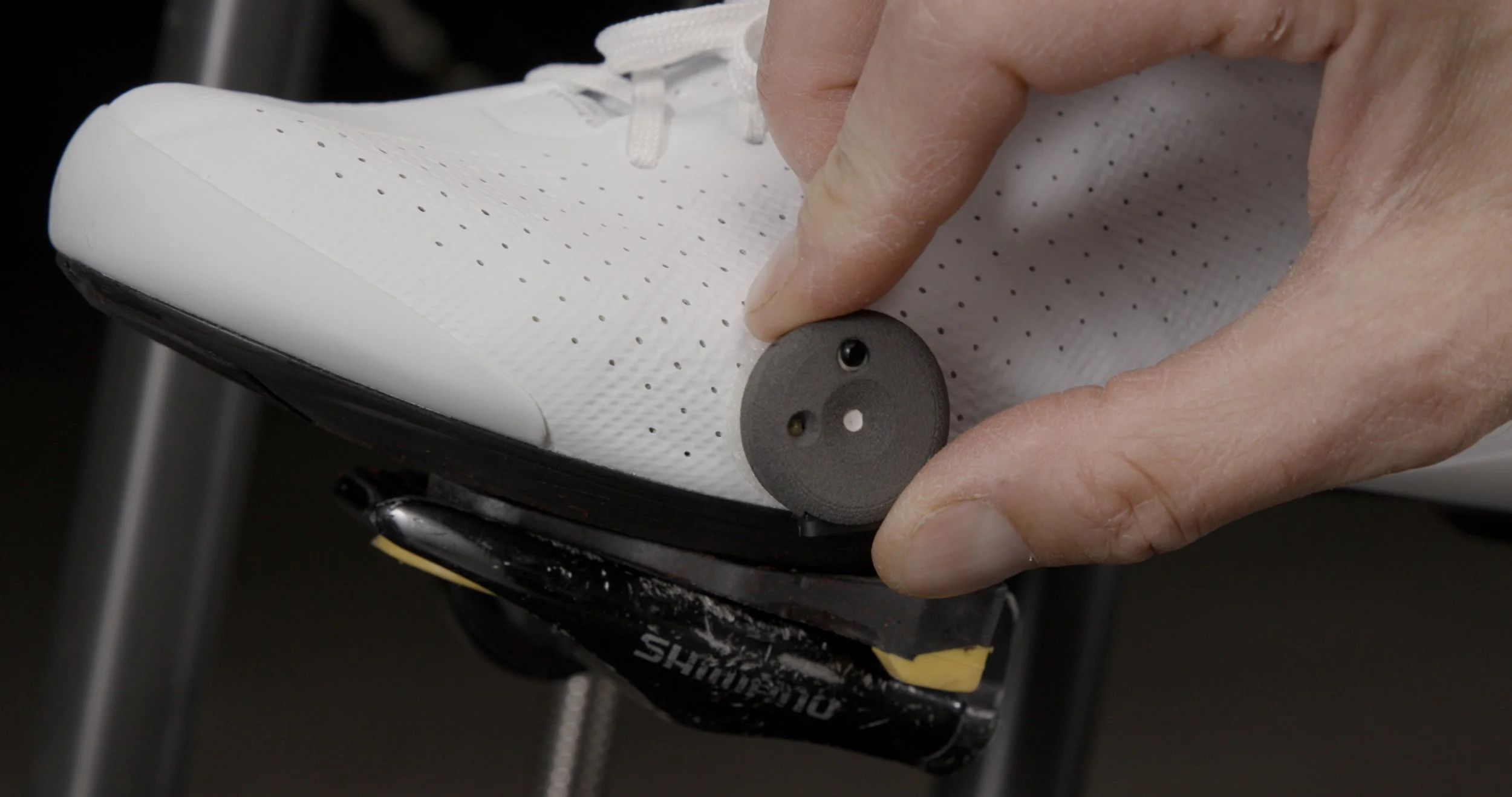
Each pod is associated with a specific body marker, starting with the foot.
Watch the SetUp Video above for more details.
The connection of each Pod can be checked in the Fit App.
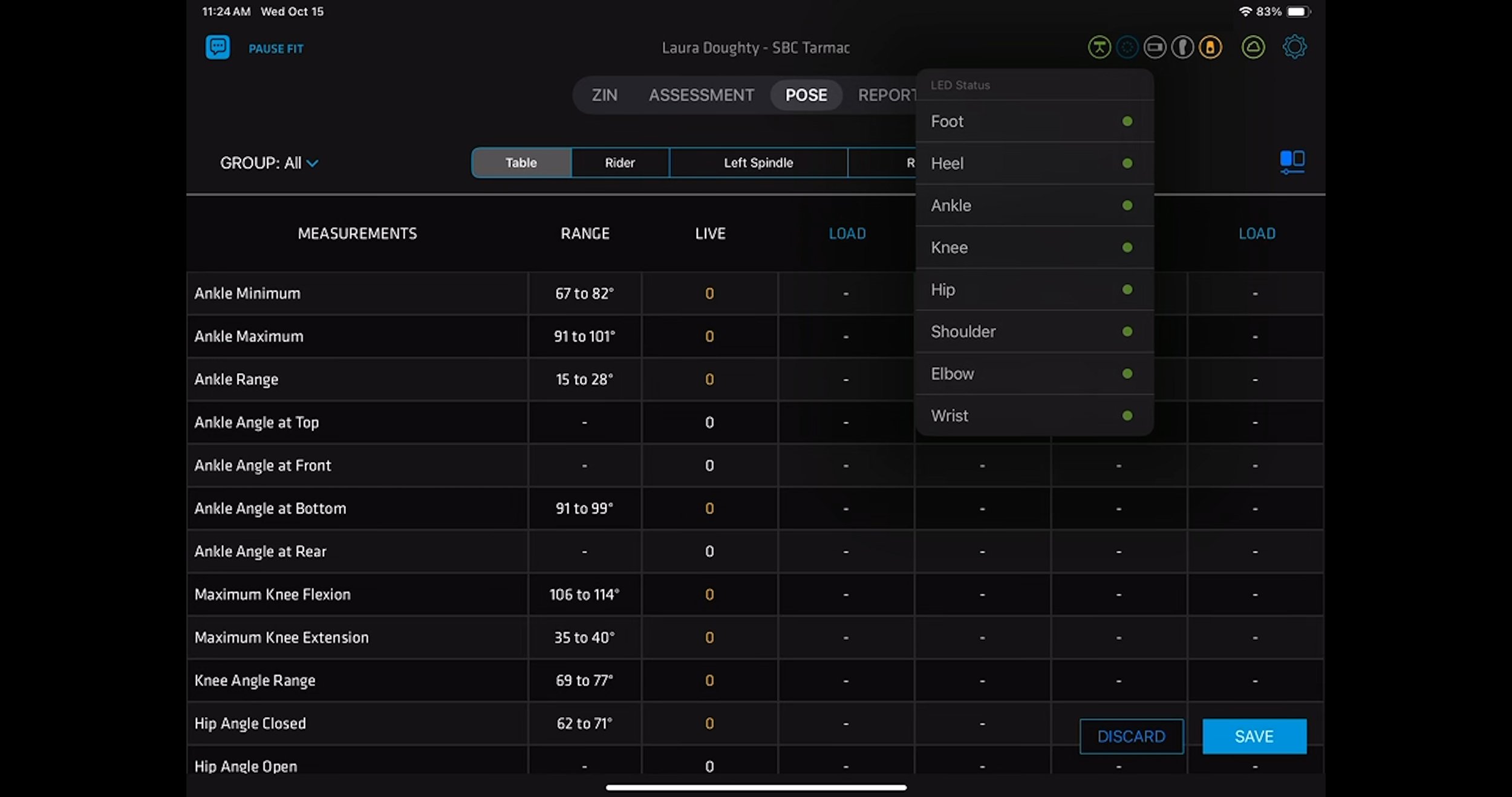
If LED Status shows red:
Check the Troubleshooting section of the FAQ
Go through a diagnostics test in the App —> WL Pods Diagnostic Test